
Saw Dashable on YouTube?
You just watched a Home Assistant dashboard come together — drag, drop, done, and not a line of YAML. Here's where you build yours.
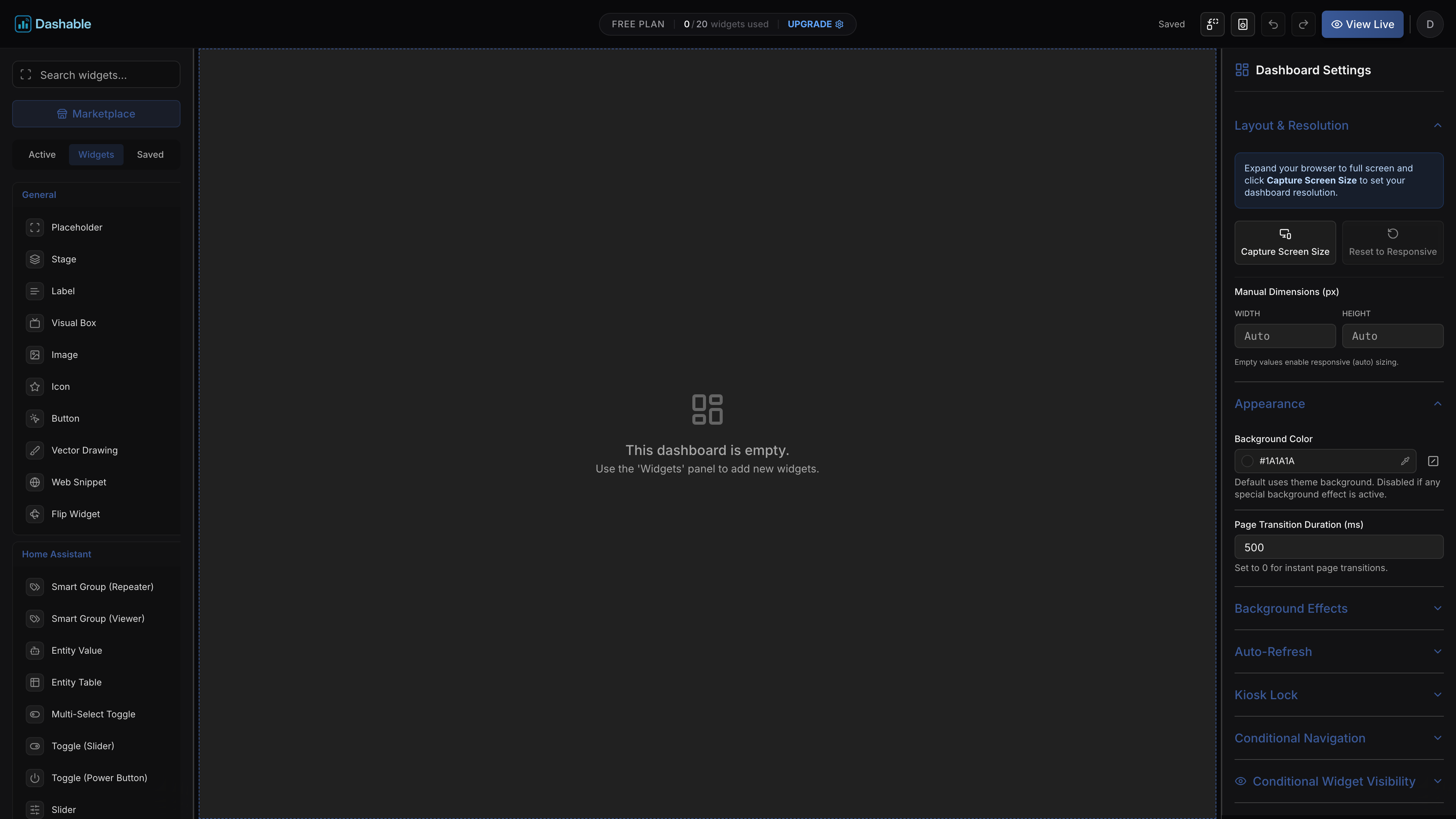
That wasn't a demo reel
It's just what the editor does: drag cards exactly where you want them, wire up conditions and styling visually, and put the result on a wall tablet. No YAML, no card-mod, no config files. Your first dashboard is free — one dashboard, up to 20 widgets, no card required and no trial clock. Upgrade only if you want the bigger toys.
Three steps to your first dashboard
If you can arrange icons on a phone screen, you can do this.
Connect your Home Assistant
Your data stays yours — your browser talks directly to your Home Assistant, and nothing passes through our servers.
Build
Drag, drop, done. Place cards exactly where you want them, and set conditions and styling visually instead of in YAML.
Keep it
Your first dashboard is free and stays free. Upgrade only if you want more screens, more widgets, or more Home Assistant instances.
Before you start
The two things people ask first.
Ready when you are
Already know what you want on that wall tablet? You'll need your Home Assistant reachable over HTTPS first — if that's new to you, the security page walks through it in about ten minutes.